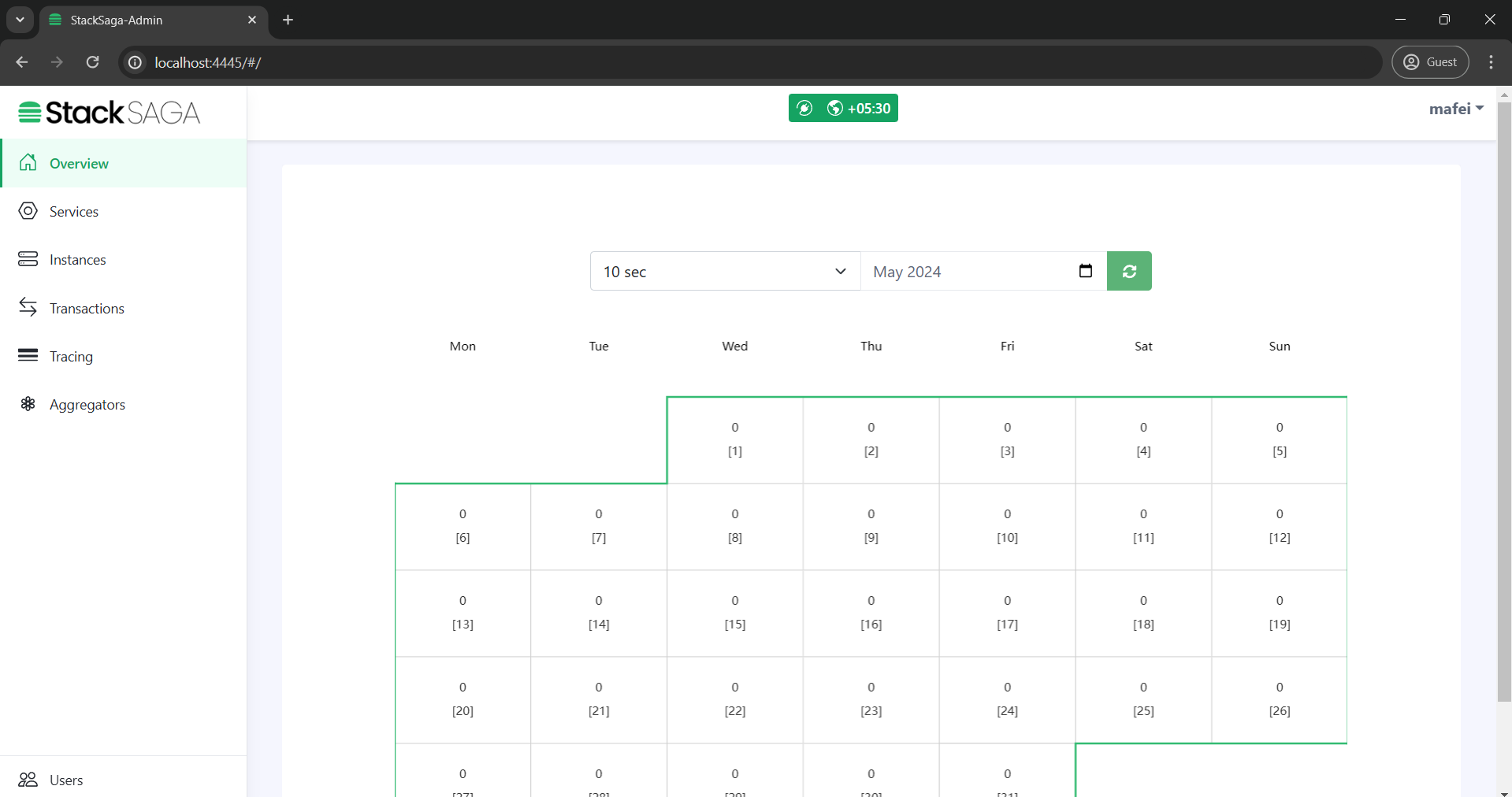
Initialize Dashboard
Step-1.
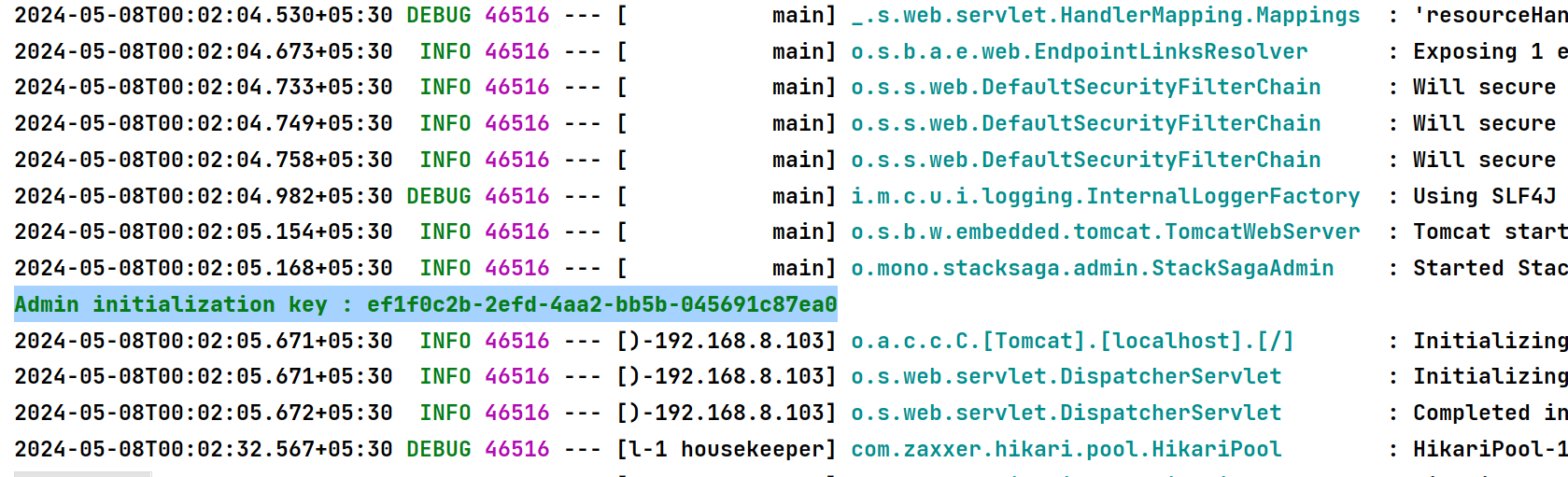
After successfully running the server, Initially you can see Admin-initialization-key in the console like below.
Step-2.
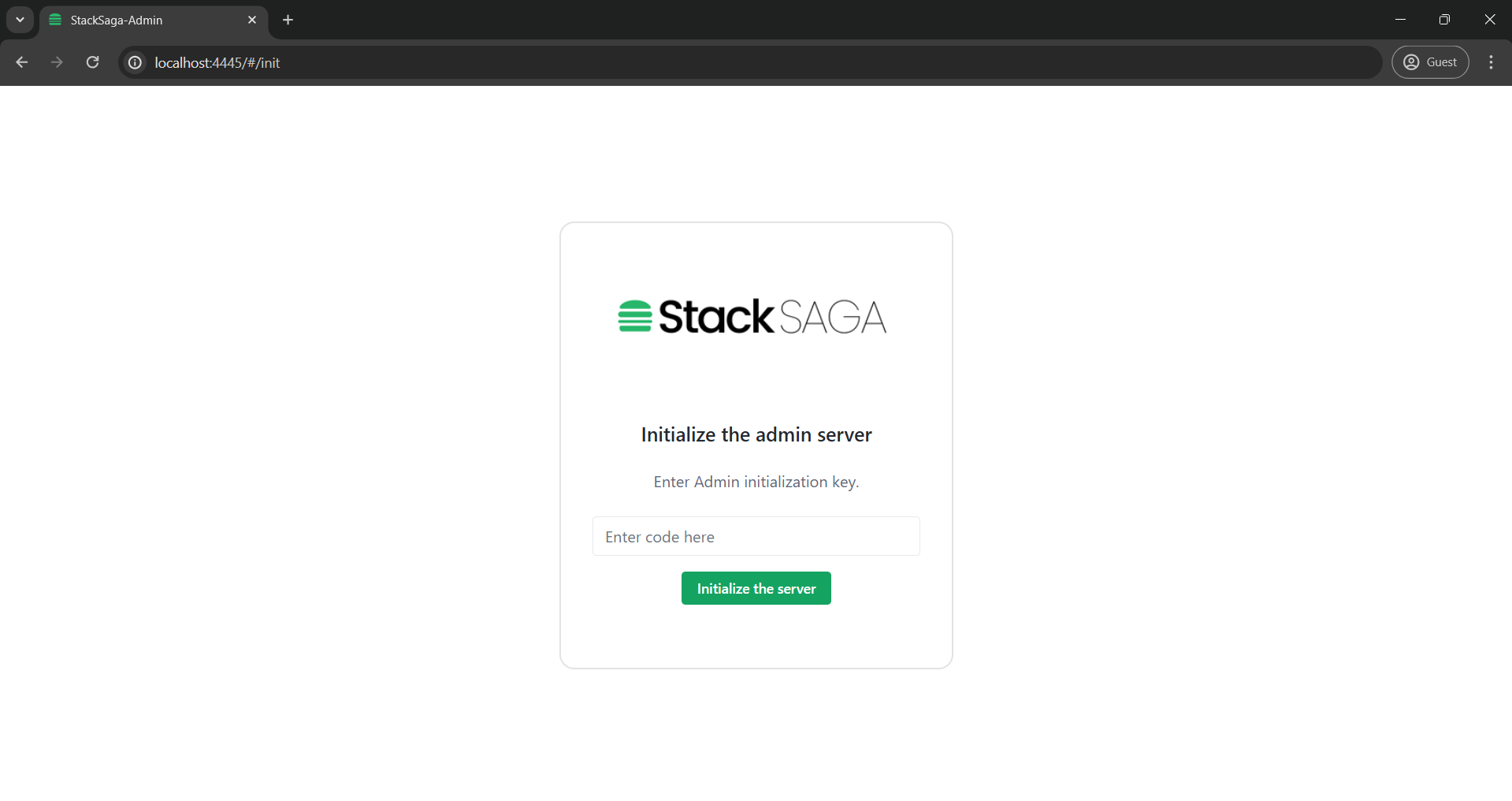
Copy the key and go to the admin dashboard http://localhost:4444 and enter the code click the button Initialize the server
Step-3.
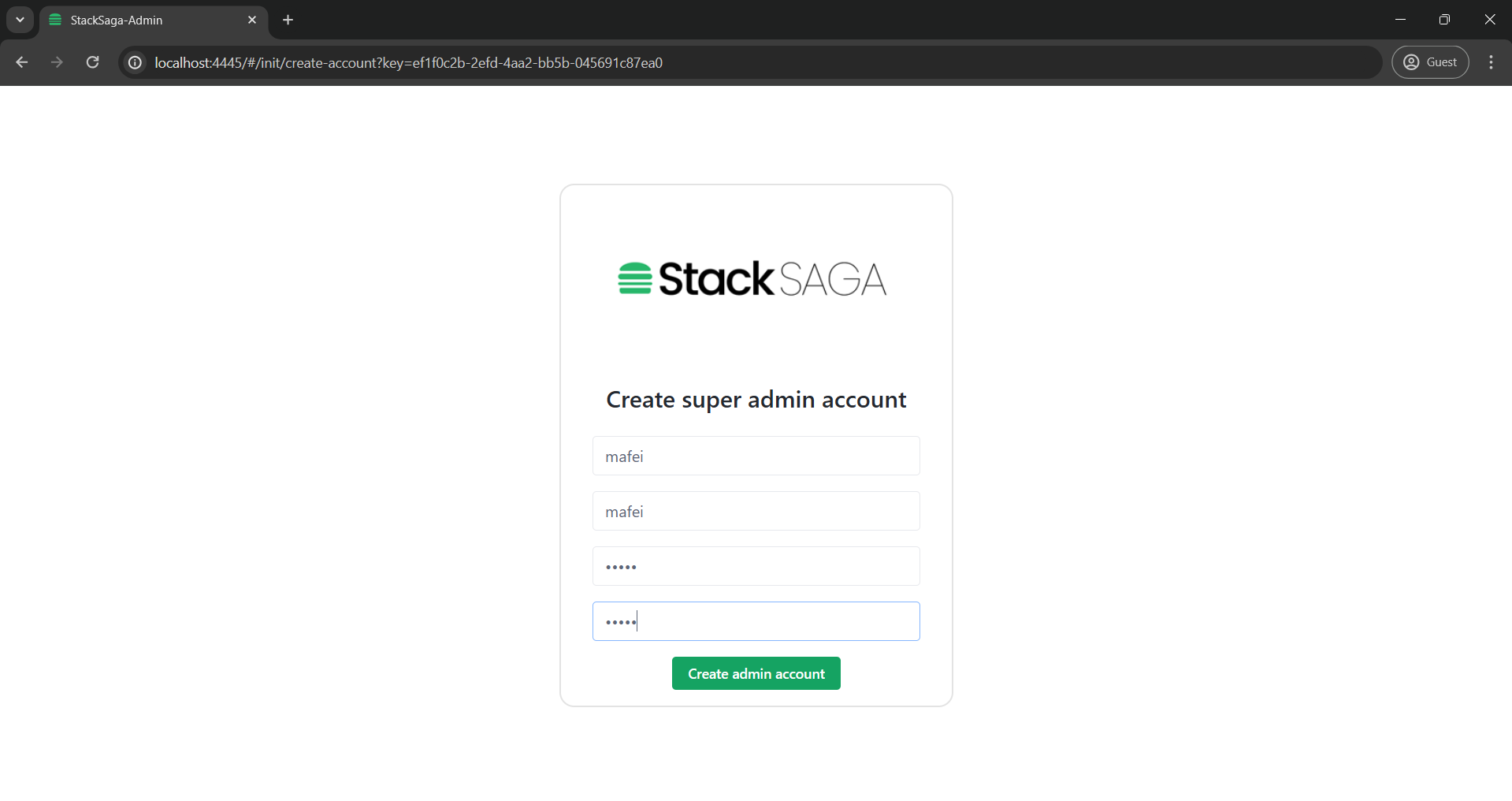
Enter the super admin details create a new Super-Admin.
Step-4.
Login with the credentials that provided.
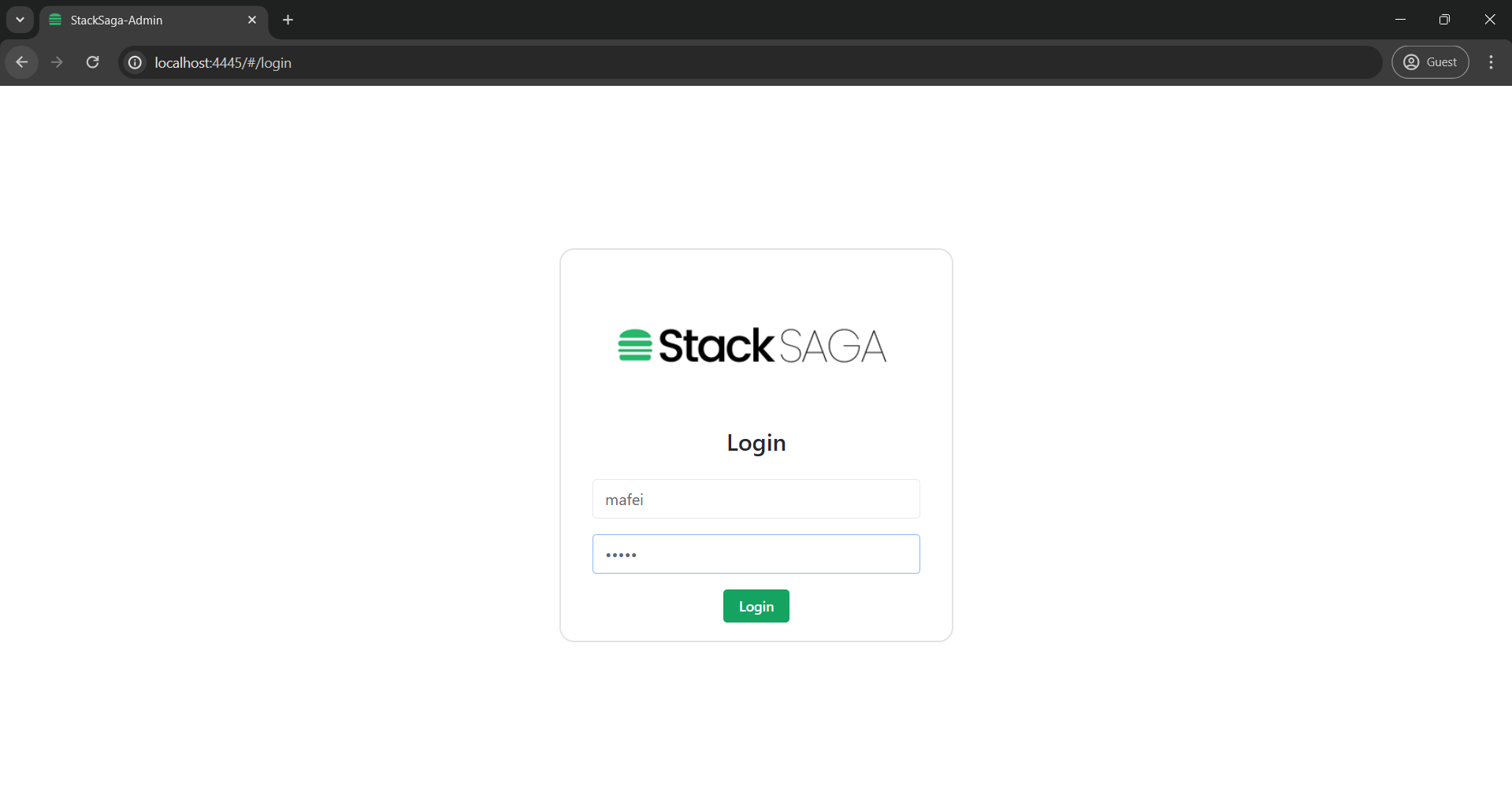
Step-5.
Congratulations! now you have successfully finished the initialization process.